Guide to Improving Hybrid Meetings and BYOD Rooms
Technology and Best Practices
Today's Corporate Meetings
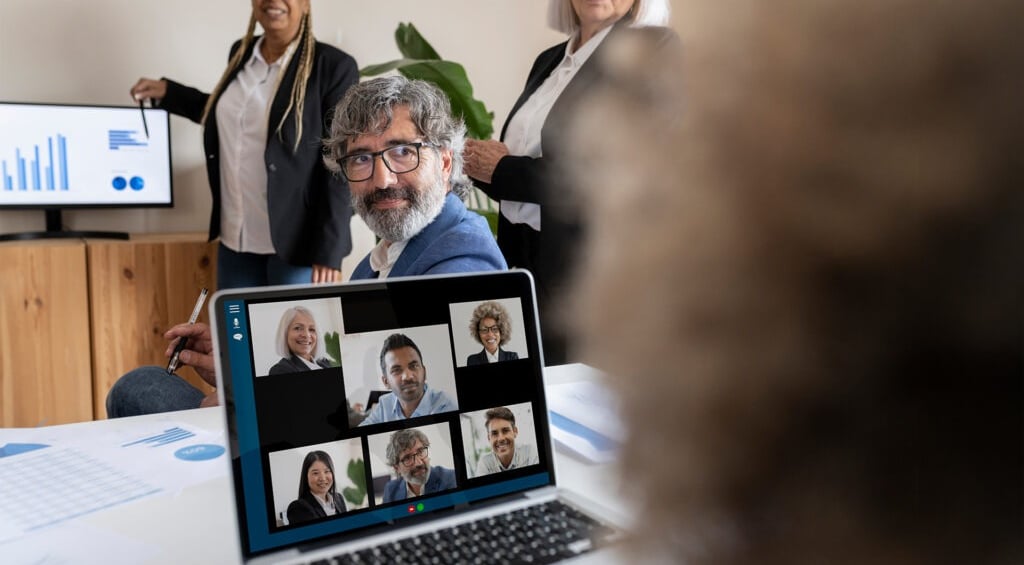
Hybrid meetings and BYOD (Bring Your Own Device) rooms have become nearly standard in the corporate world. Many executives are comfortable working and sharing information on their laptops or tablets. They also use them to hold meetings, whether from home, in a meeting room at their own company, or at another organization (such as a client or prospect). In these situations, they often use platforms (Zoom, Microsoft Teams, Google Meet, etc.) that are not always the ones they typically operate.
BYOD combines with hybrid work, along with the challenges it poses for meetings involving groups of people in different modes (in-person and remote). What determines whether remote participants feel on equal terms (or at least similar) with those seated around a table?
We can identify several factors:
-
Clear and intelligible audio. Clear and intelligible audio.
-
Immersive video that captures the speaker's voice and the gestures of all participants simultaneously. Immersive video that captures the speaker's voice and the gestures of all participants simultaneously.
-
The ability to view or share content seamlessly. The ability to view or share content seamlessly.
How to Achieve a Good BYOD and Remote Work Experience
The first step to adapting meeting rooms for these purposes is implementing the right equipment: a camera (or camera array), a microphone (or microphone system), and wireless presentation technology.
BYOD room solutions offer a straightforward way to bring hybrid meeting capabilities to smaller spaces where a full conferencing solution is not necessary.
What Are the Keys to Implementing This Technology?
No drivers to download: the device should connect to the system and be ready to use. No applications, clicks, or additional software -- just plug it into a USB-C port. Ideally, a single cable should be sufficient for reduced complexity.
Anyone, whether from home or the office, should be able to present their content simply and intuitively, without connection interruptions.
This technology should be an ally, not an obstacle. Therefore, configuring it should be straightforward. A uniform experience across all company meeting rooms is essential.
Leveraging the wealth of information generated by room usage can enable executives to make data-driven decisions. Which rooms are used and for how long? Is it better to have fewer large rooms or more small rooms? How many people per day reserve rooms?
Additionally, this can help identify which devices are online and assist IT teams in performing preventive maintenance.
It is ideal to use devices that function as transmitters without storage capability to prevent virus transmission. It is also recommended that solutions meet certain security standards, such as data stream encryption.
To ensure proper functionality and protect the investment, selecting reliable brands is essential: knowing that when you turn on the device or launch the software, it will work without requiring specialized assistance.
In addition to facilitating interaction between in-room and remote participants, touchscreens promote creativity: participants can take notes, conduct brainstorming sessions, create task lists, or prioritize activities. The results can then be shared as an image with selected contacts.
Imagine employees entering a room before a meeting and learning about a new corporate benefit on the interactive screen. This is another advantage of equipping meeting rooms: digital signage can play a key role in disseminating relevant information.
Crestron + Jabra: The Combination That Has It All
The functionalities described above are desirable for creating outstanding collaboration experiences. Combining Crestron hardware and software with Jabra equipment (specifically, AirMedia + PanaCast 50) provides an attractive solution that can be adapted to each space.
-
They increase meeting efficiency and productivity. They increase meeting efficiency and productivity.
-
The systems and equipment are easy to purchase, deploy, scale, and use. The systems and equipment are easy to purchase, deploy, scale, and use.
-
They offer flexible options. They offer flexible options.
-
They provide cameras, speakers, microphones, and screens that bridge the gap between in-person and remote participation. They provide cameras, speakers, microphones, and screens that bridge the gap between in-person and remote participation.
-
They enable wireless presenting, sharing, and video conferencing from any device. They enable wireless presenting, sharing, and video conferencing from any device.
-
They ensure call audio quality through intelligent algorithms that eliminate residual echo and static noise. They ensure call audio quality through intelligent algorithms that eliminate residual echo and static noise.
-
They enhance internal communication. They enhance internal communication.
Paysandu 926CP 11100MontevideoTel: +598 2902 1477
© 2025 Isbel S.A., a Quantik® brand
Av. Ana G. Mendez 1399, km 3PR 00926San JuanTel: +1 (787) 775-2100
Carmen C. Balaguer 10El Millon, DNSanto DomingoTel: +1 (809) 412-8672
Follow us
Our Policies